
标签:items padding set info otto 标签 justify rap hit
有时候需要预览PDF文件,需要实现可放大、缩小、下载、打印等功能,我使用了iframe框架。
实现效果:
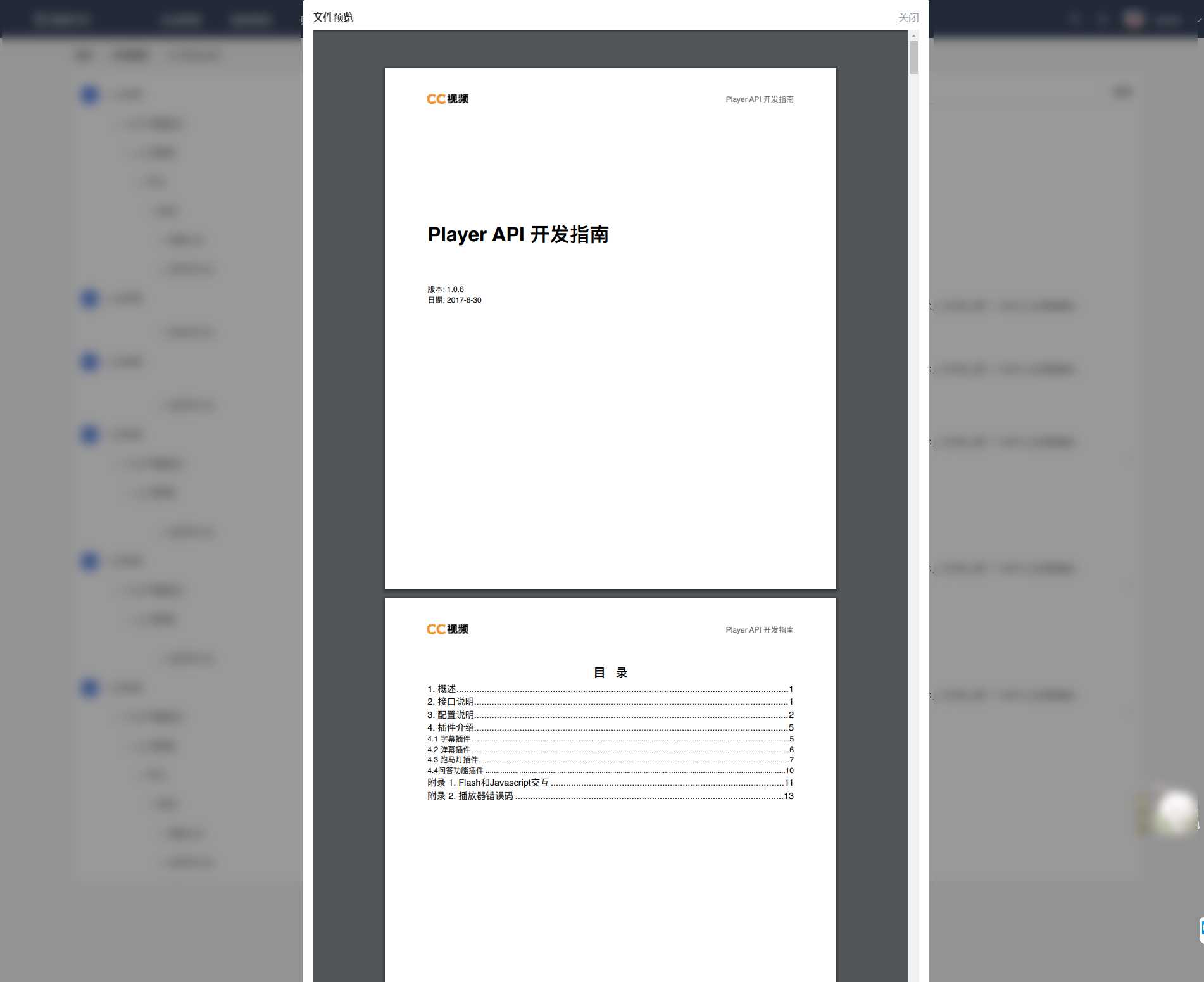
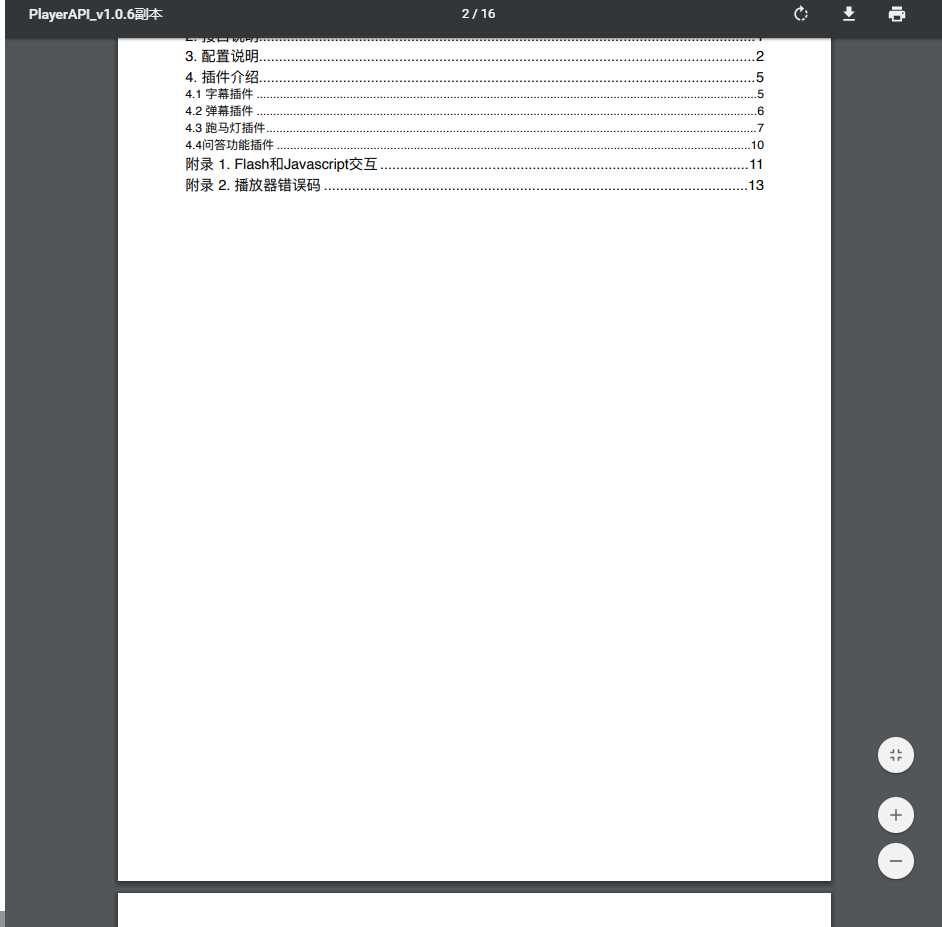
实现代码:
我直接写在了一个公共组件中,在需要预览的页面直接引用该子组件即可。
<iframe :src="src" frameborder="0" style="width: 100%; height: 100%"></iframe>


data() {
  return {
    src: ‘http://storage.xuetangx.com/public_assets/xuetangx/PDF/PlayerAPI_v1.0.6.pdf‘,
  }
},
完整代码:
<!--
  预览PDF文件
-->
<template>
  <div class="filePreview">
    <div class="filePreview_center">
      <div class="center_header">
        <div class="header_left">文件预览</div>
        <div class="header_right" @click="filePreviewCancel">关闭</div>
      </div>
      <div class="center_center">
        <iframe :src="src" frameborder="0" style="width: 100%; height: 100%"></iframe>
      </div>
    </div>
  </div>
</template>

<script>
export default {
  data() {
    return {
      src: ‘http://storage.xuetangx.com/public_assets/xuetangx/PDF/PlayerAPI_v1.0.6.pdf‘,
    }
  },
  methods: {
    filePreviewCancel(){
      this.$emit(‘filePreviewCancel‘);
    }
  }
}
</script>

<style lang="scss" scoped>
.filePreview{
  position: absolute;
  top: 0;
  left: 0;
  width: 100%;
  height: 100%;
  z-index: 999;
  background: rgba($color: #000000, $alpha: 0.4);
  min-height: 500px;
  overflow: auto;
  .filePreview_center{
    width: 50%;
    height: 100%;
    left: 25%;
    background: white;
    border-top-right-radius: 3px;
    border-top-left-radius: 3px;
    position: relative;
    transform: translateY(-50% -50%);
    padding: 16px;
    .center_header{
      padding-bottom: 10px;
      border-bottom: 1px solid #dee2ed;
      display: flex;
      align-items: center;
      justify-content: space-between;
      border-radius: 3px;
      .header_left{
        font-weight: bold;
      }
      .header_right{
        cursor: pointer;
        color: #99a1ad;
      }
    }
    .center_center{
      border-radius: 3px;
      width: 100%;
      height: 100%;
    }
  }
}
</style>
注意:
1.src为服务器上的一个PDF文件地址,可直接下载。
2.只需要一个标签和一个src地址即可实现,不需要再做其他操作,简单好用。
参考文章:https://www.cnblogs.com/steamed-twisted-roll/p/9648255.html
标签:items padding set info otto 标签 justify rap hit
原文地址:https://www.cnblogs.com/5201314m/p/12323103.html
